Downloaded the VPN Super app for Windows from an email or your account page and found it already signed in? Or landed on the sign-in screen instead? This article explains how automatic sign-in works, why it's secure, and what to do if it doesn't happen.
When you download the VPN Super app for Windows from a VPN Super email or from your account page, the installer comes with a one-time sign-in code. The first time you open the app after installing it, the app uses that code to sign you in, so you don't need to enter your email and password. Your computer then appears in your account's device list, just like after a normal sign-in.
Downloading the app from the public download page on vpnsuper.com doesn't include a code. In that case, sign in as usual.
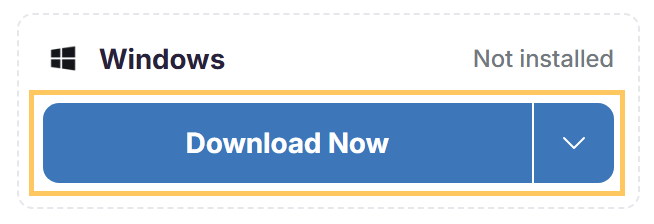
Download the app from the button in your VPN Super email. To download from your account, sign in to your account dashboard, find Windows under Download on all your devices, and select Download Now.
The hour starts when VPN Super sends the email, or when your download from your account begins.
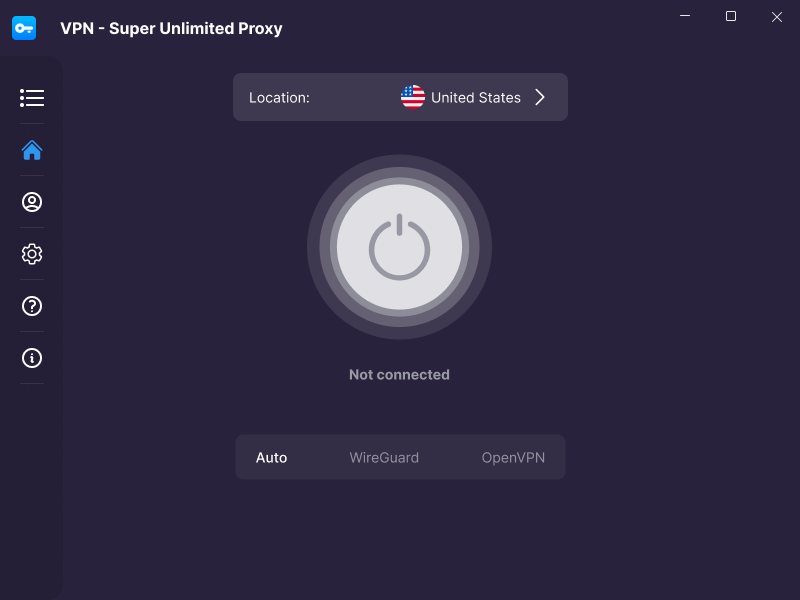
Open the app after it installs. Wait a few seconds while the app signs you in. It then opens on the home screen.
For the full installation steps, see How to set up VPN Super on Windows.
The sign-in code that comes with your download has three limits:
If the code was already used, has expired, or the download didn't include one, the app opens on the sign-in screen with no error message. Nothing is wrong with your account or the app. Sign in with your email and password.
Signed up with a verification code? You need a password to sign in to the app. See How to set or reset your VPN Super password.
The app also opens on the sign-in screen if your account has no active Premium subscription or has reached the 10-device limit. For the device limit, see How many devices can I use with VPN Super?
No. The app only uses the code the first time you open it after installing. After you sign out, sign in with your email and password.
No. The code works once. Download the app again from your account page for each computer. Don't forward your download email or share the installer. If you think someone else has them, change your password. Unused codes also expire after 1 hour.
Submit a request to our Support Team.
Was this article helpful?
Thank you! Your feedback means a lot to us.
We will work on improving this article.